
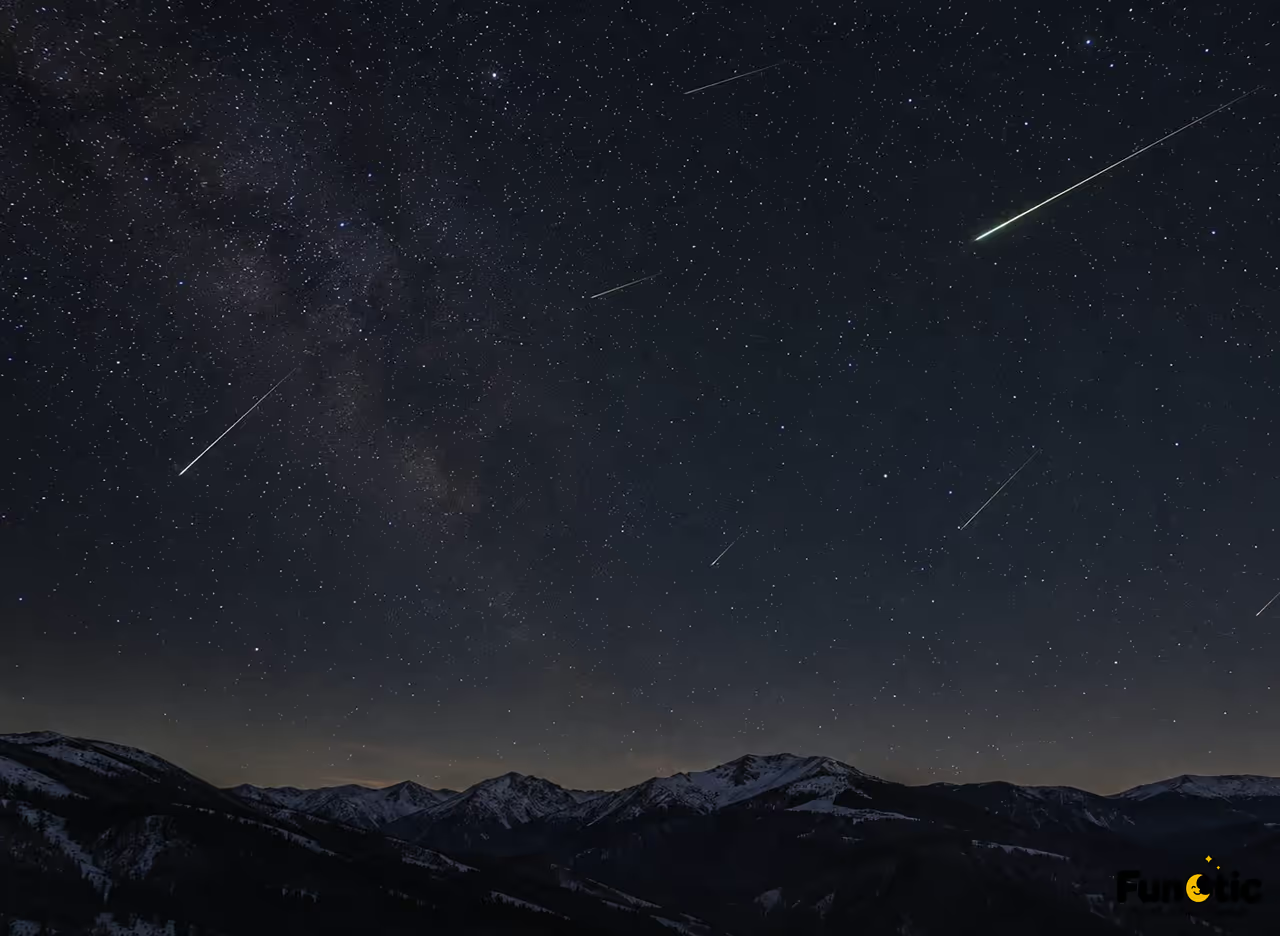
The Leonid meteor shower is expected to peak before dawn on November 17 and 18, 2026. A phone will not replace a dedicated camera, but a steady setup and a dark sky can capture a surprising amount of the scene. NASA says the shower could reach about 15 meteors an hour under ideal conditions, though most people will see fewer.
Choose a dark, open spot
Get away from bright streetlights and give your eyes time to adjust. Find a place with a broad view of the sky and a safe, stable surface for your phone. Check the local forecast and the Moon’s setting time before heading out. Thin cloud and nearby lights can erase faint meteors even when the sky looks clear to the eye.
The best viewing window is after the Moon sets and before sunrise. The Leonids can appear across a wide area of sky, so do not aim only at one point. Set your phone to its widest lens and include a little foreground, such as a tree line or distant hill, to give the photo a sense of place.
Stabilize the phone and use night mode
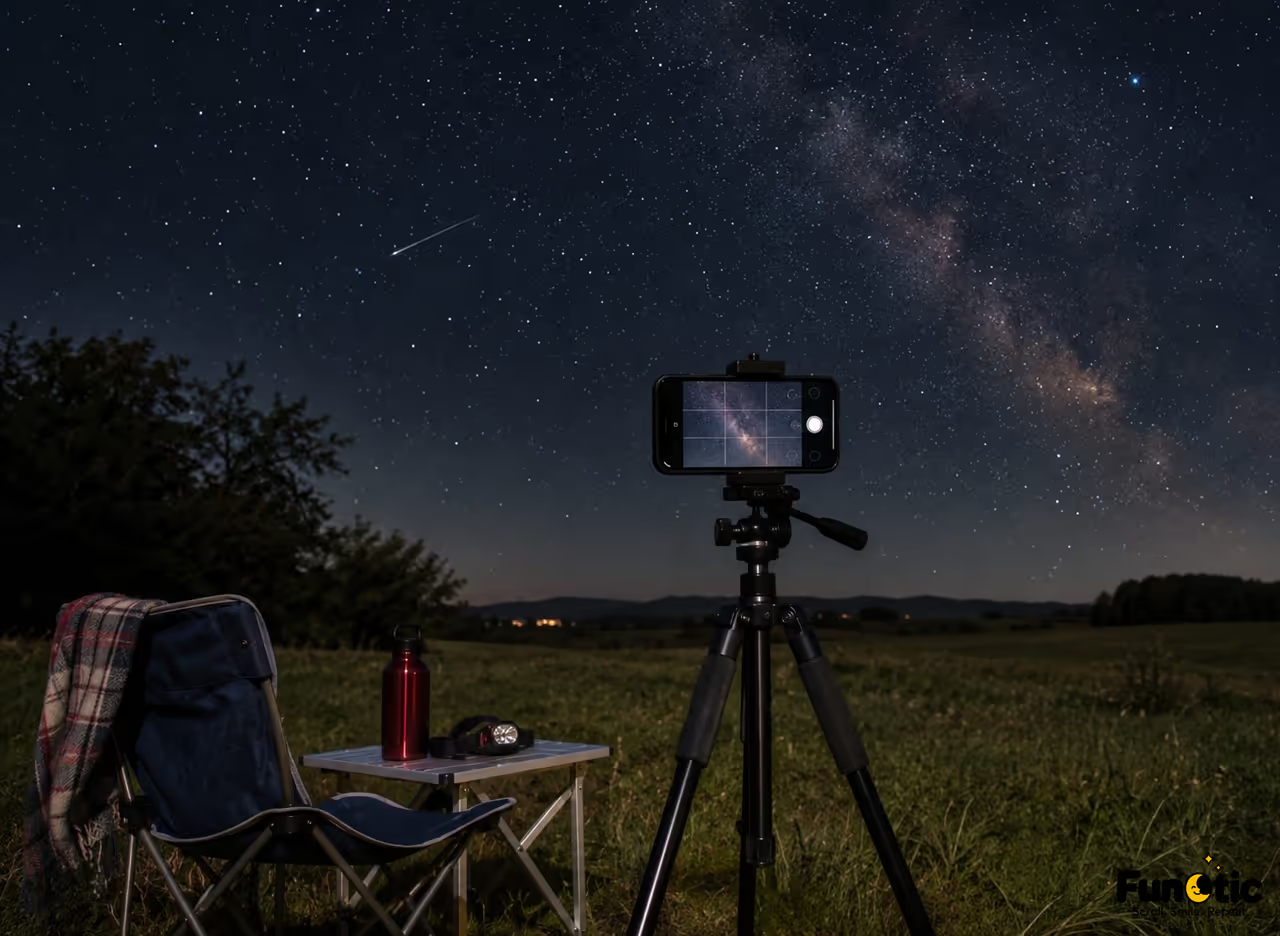
A small tripod helps keep the frame still during a long exposure. If you do not have one, brace the phone firmly against a solid surface. Use a timer or remote shutter so a tap does not shake the camera. Turn off flash, clean the lens, and try your camera’s Night mode or manual controls.
Start with a wide frame and an exposure of a few seconds. If your phone offers manual settings, keep ISO moderate and take several frames rather than relying on one very long exposure. Review a test image, then adjust focus, brightness, or framing. Meteor streaks are unpredictable, so a series of attempts gives you a better chance than waiting for one perfect shot.
Make the moment part of the picture
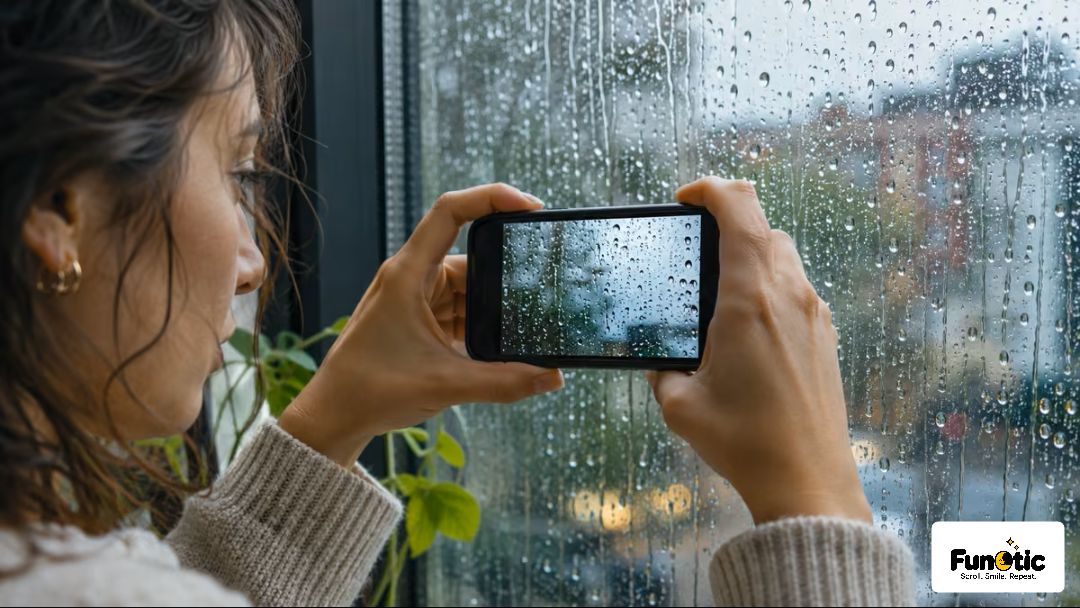
Include a friend watching the sky, a phone on a tripod, or a recognizable landscape in the foreground. Keep the horizon level and avoid bright screens near the lens. For a different night scene, the same steady framing approach works well for phone photos of reflections and window light.
NASA recommends finding a dark location, letting your eyes adapt for about half an hour, and taking in as much sky as possible. A phone camera is narrow compared with human vision, so look around between exposures and enjoy the show. The most useful goal is not to record every meteor. It is to return with a few clear frames and a good memory of the night.
For the current peak dates and sky conditions, check NASA’s November 2026 skywatching guide before you go.
Adjust for your phone camera
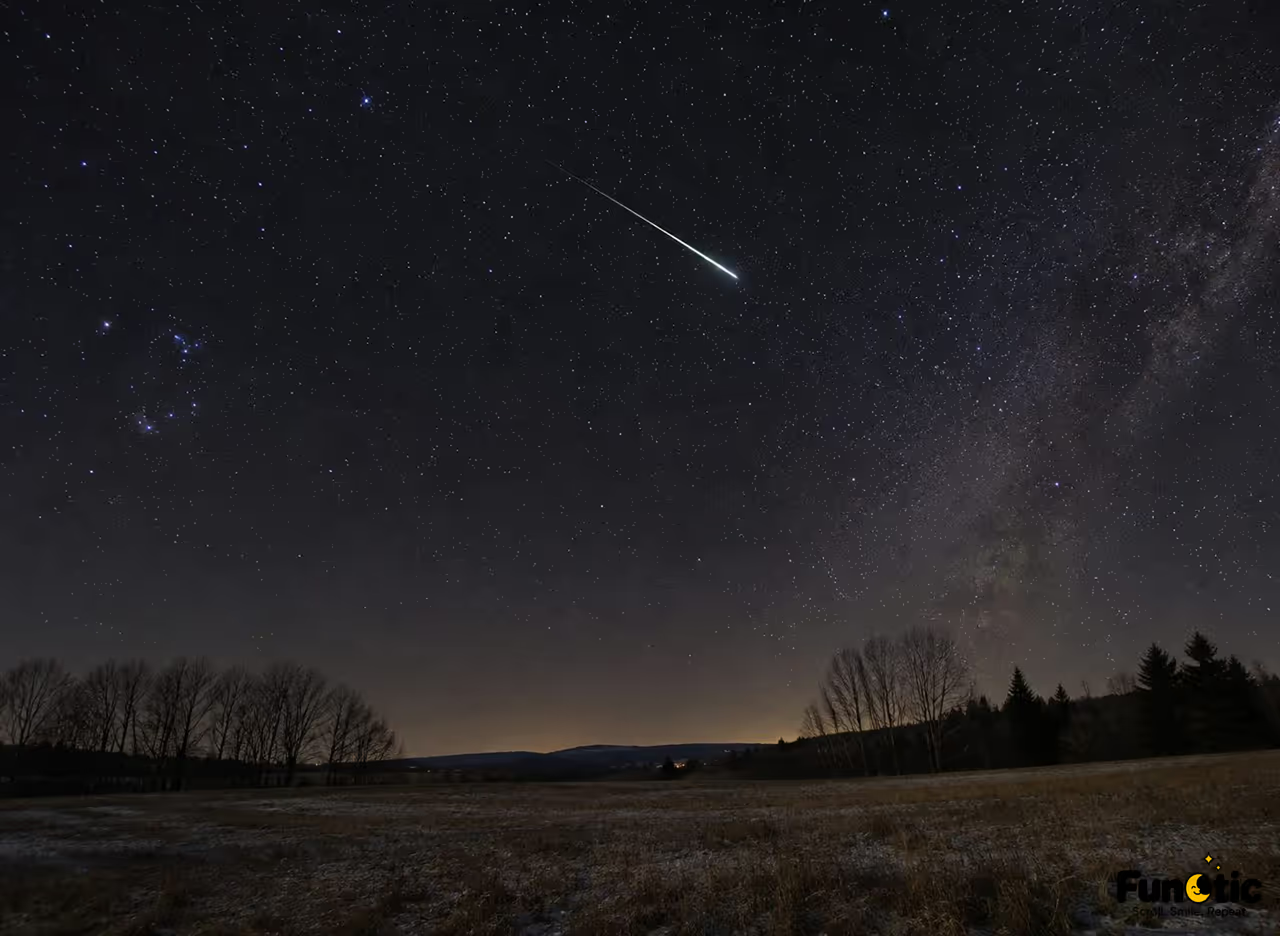
Phone cameras handle low light differently, so treat these settings as a starting point. In Night mode, hold the phone still for the full countdown and let the camera choose an exposure. In manual mode, focus near the stars and try a timer of two to five seconds. If the stars look like short lines, shorten the exposure. If the frame is too dark, raise exposure slightly or choose a darker location before pushing ISO too high.
Save the original files and avoid heavy editing that turns the sky into a bright, noisy patch. A small crop can help remove distracting lights, but leave enough context to show the landscape. You can also take a short time-lapse before the peak, then switch to still photos when the sky gets darker. Keep your phone warm and your hands free of bright screens while waiting.
Bring a spare battery and a warm layer for comfort.