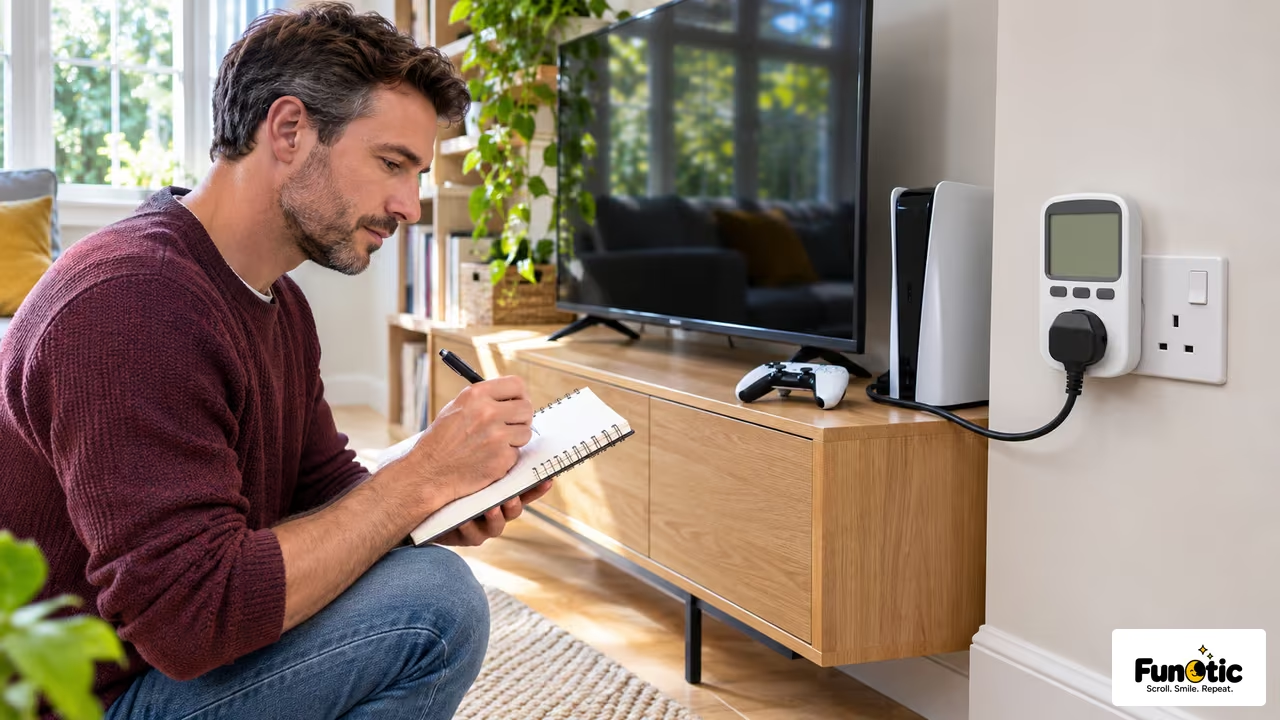

A home office should make ordinary work comfortable, and a few measurements can show which upgrade is worth buying. First check whether the screen, keyboard, chair and light are working together. A short measurement-based challenge can reveal which change would make the setup more comfortable before you spend money on equipment.
A home office improvement should solve a specific discomfort or task bottleneck.
The home office ergonomics quick check
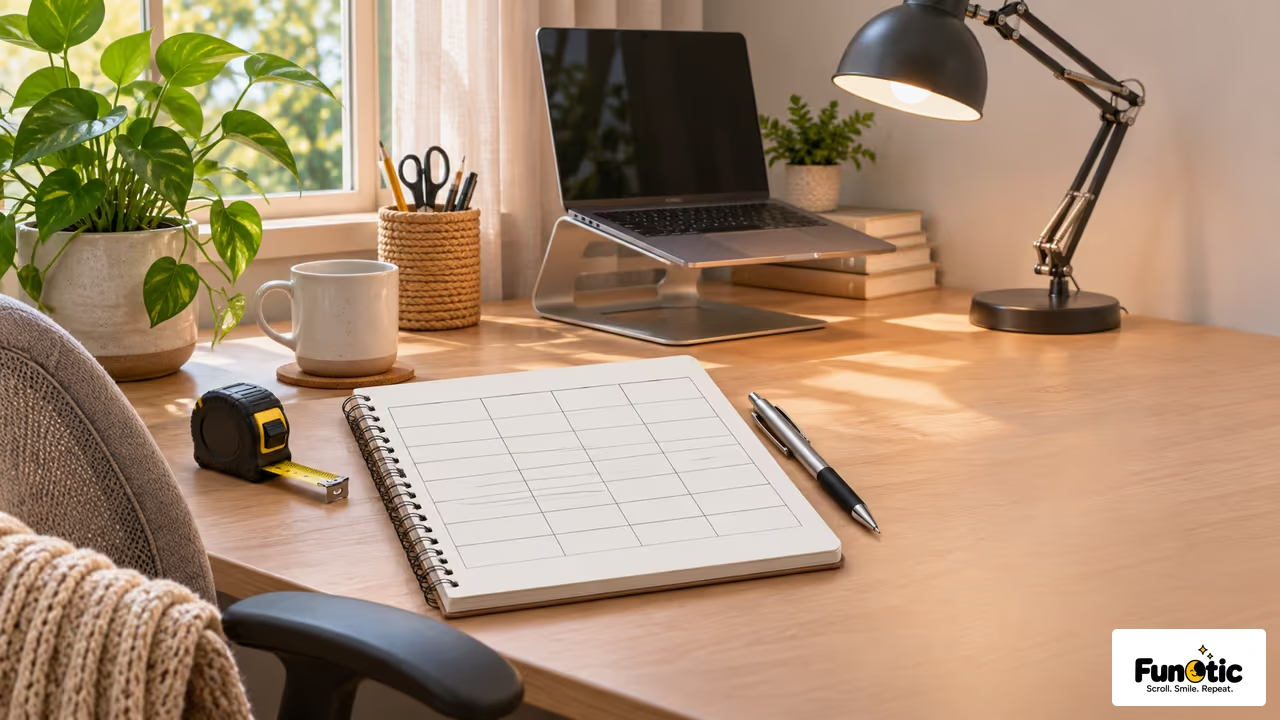
Photograph the desk from the side and front. Note how long you work there, whether you use a laptop alone or a separate monitor, where glare appears, and which part of the setup feels awkward. These notes are a personal baseline, not a medical assessment.
Check the setup in five places
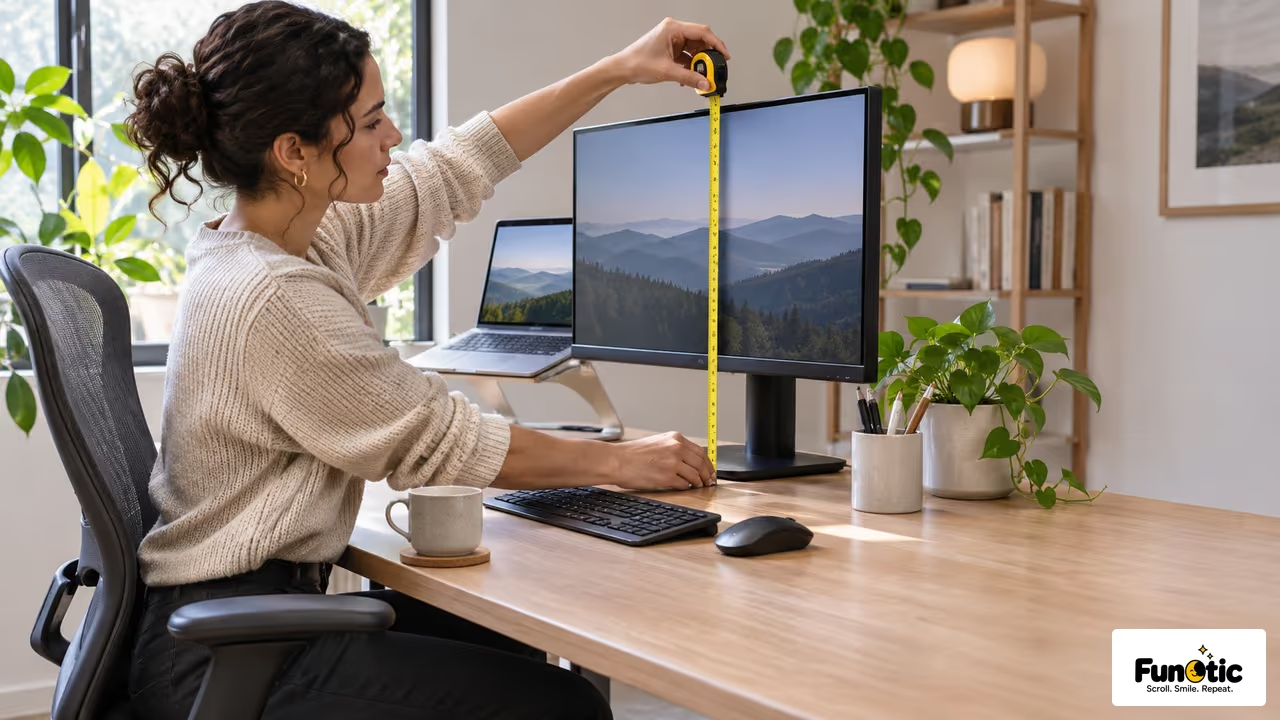
- Screen: Place the monitor directly in front of you and adjust it to a comfortable viewing height and distance. If you work on a laptop for long periods, consider a separate keyboard and mouse so the screen can be positioned independently.
- Chair: Adjust the seat so your feet have stable support and the chair supports your working posture. Use a footrest or stable box if the chair height and desk do not match.
- Keyboard and mouse: Keep them close enough that you can work without repeatedly reaching forward. Relax your shoulders and keep your wrists in a comfortable neutral position.
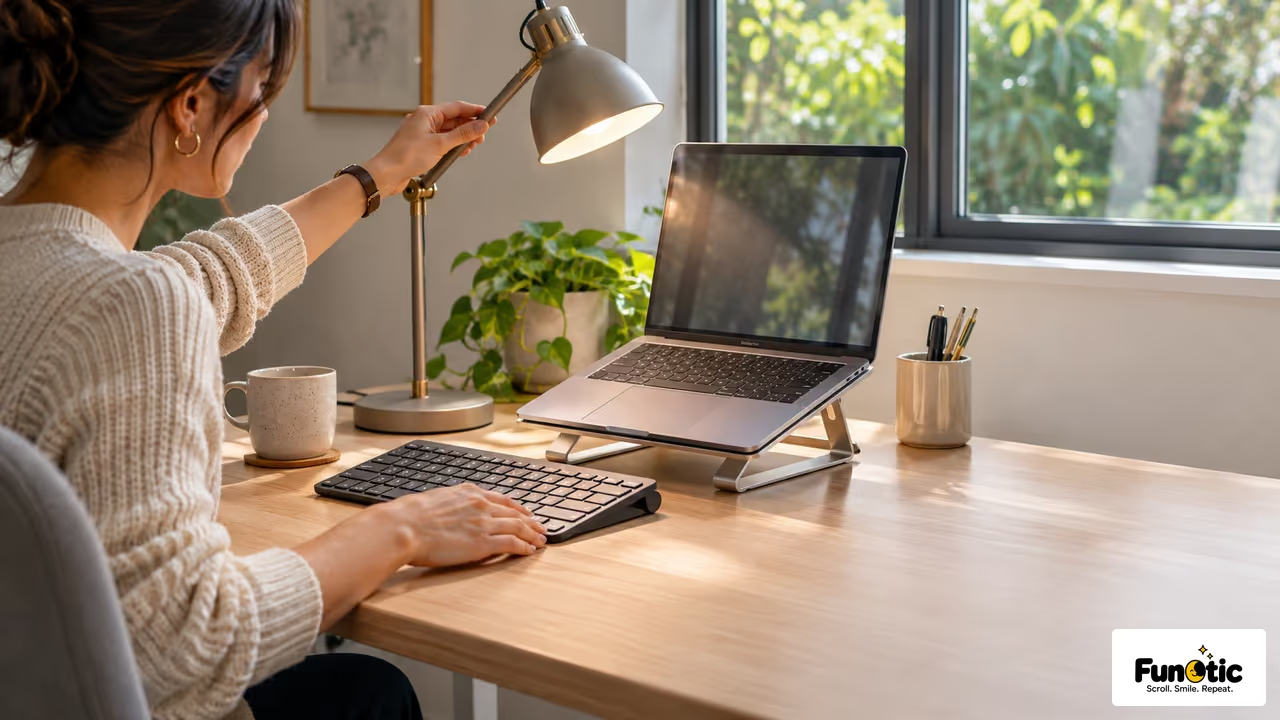
- Lighting: Move the screen or lamp to reduce glare. Use a task light where you need it rather than making the whole room harshly bright.
- Movement: Build in brief changes of posture and breaks that fit your day. No single chair or desk makes long uninterrupted sitting ideal.
OSHA’s workstation guidance notes that a monitor positioned too high can encourage the head to tilt back, and that keyboard placement should be considered alongside the mouse and other components. The aim is an adjustable, comfortable arrangement for the task, not a rigid “perfect posture” that every body must copy.
Run the upgrade challenge one change at a time
For five workdays, change one thing at a time and note the cost, comfort rating from one to five, and any practical improvement. Try raising a laptop with books you already own, moving the lamp, or shifting the keyboard closer before buying a stand or new furniture. If the change helps, then price a durable product that solves the same problem.
| Change tested | Cost | Comfort before / after | Kept or reversed? |
|---|---|---|---|
| Screen height | |||
| Chair or foot support | |||
| Keyboard and mouse reach | |||
| Lighting and glare |
Compare upgrades by the problem they solve
A monitor arm can free desk space and help adjust height; a separate keyboard can make laptop positioning easier; an adjustable chair can fit a wider range of desks and users. Compare return policies, adjustability, size and desk compatibility. Avoid buying a product because a photo looks polished if it does not solve your own setup issue.
If discomfort is persistent, severe or linked to a health condition, seek guidance from an appropriate health or workplace professional. Ergonomic tips can help organize a workstation but cannot promise to prevent or treat a medical problem.
Share a before-and-after setup and tell readers the actual product price and market if you publish a shopping comparison. For a low-cost room refresh that follows the same measure-first approach, see Funotic’s renter-friendly winter ideas.
The upgrade worth buying is the one that fixes a real constraint in your workday. Measure first, change one thing and keep the setup that feels useful.
Sources: US OSHA workstation components, OSHA workstation guide.
Explore more Funotic DIY guides for related ideas.